Account and Dashboard
Sign up, set up your organization, and navigate the dashboard
Sign Up
Recruiter360.ai runs on an approval basis — new accounts don't land in the dashboard automatically. From the landing page, click Request Demo, then register with your work email and password. Verify your email with the one-time code Recruiter360.ai sends you.
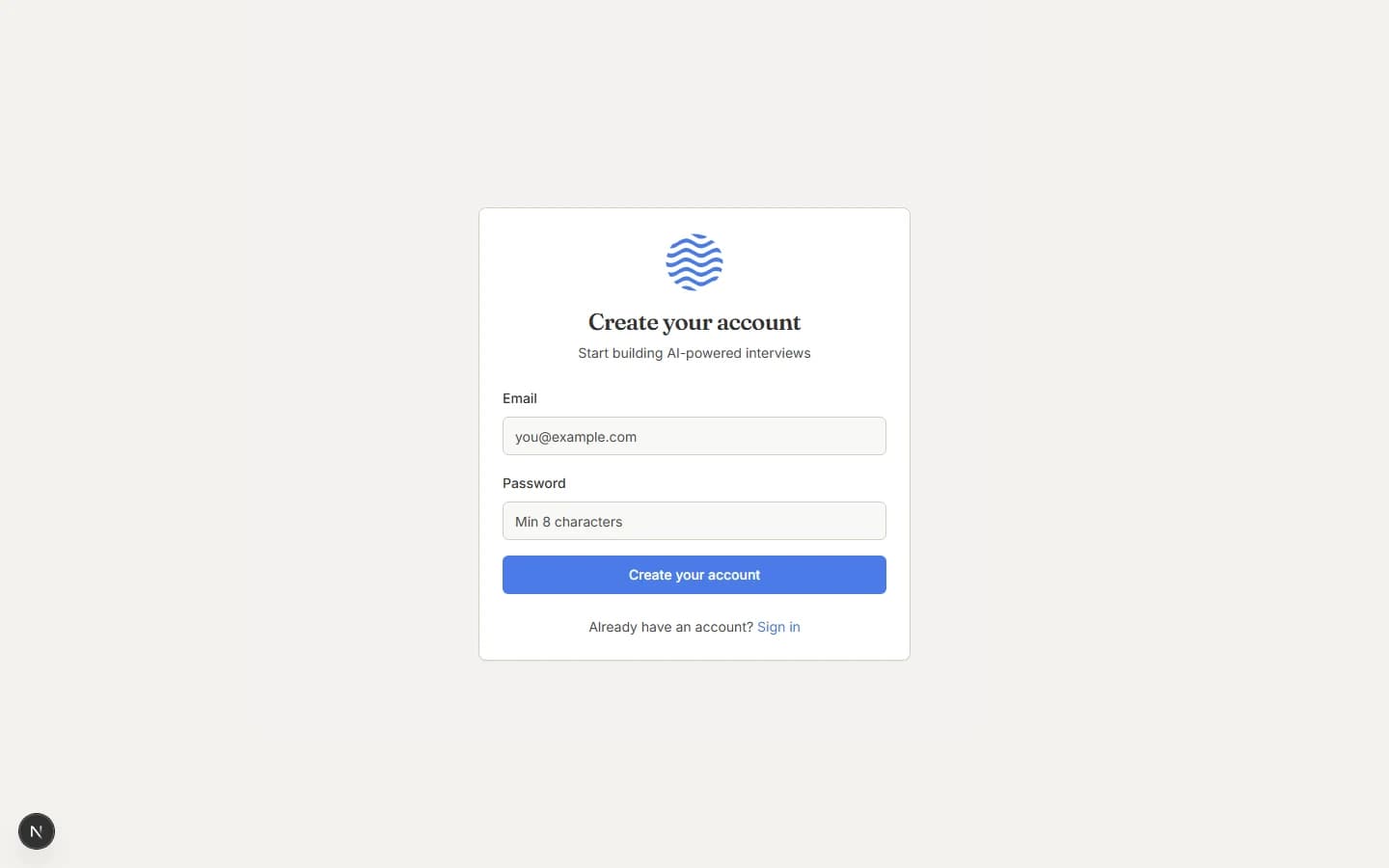
Register and Verify
Create your account with email and password, then enter the verification code emailed to you.
Submit Your Demo Request
Once verified, you're back on the landing page. Click Request Demo again and fill in your name, company, and contact details.
Wait for Admin Approval
A Recruiter360.ai admin reviews your request and provisions an organization for you, including a call limit for outbound phone screening. You'll get an email the moment you're approved.
Organizations, Members, and Roles for how organizations and call limits work after approval.Dashboard
The dashboard is your home screen — it shows activity metrics, recent sessions, and quick actions.
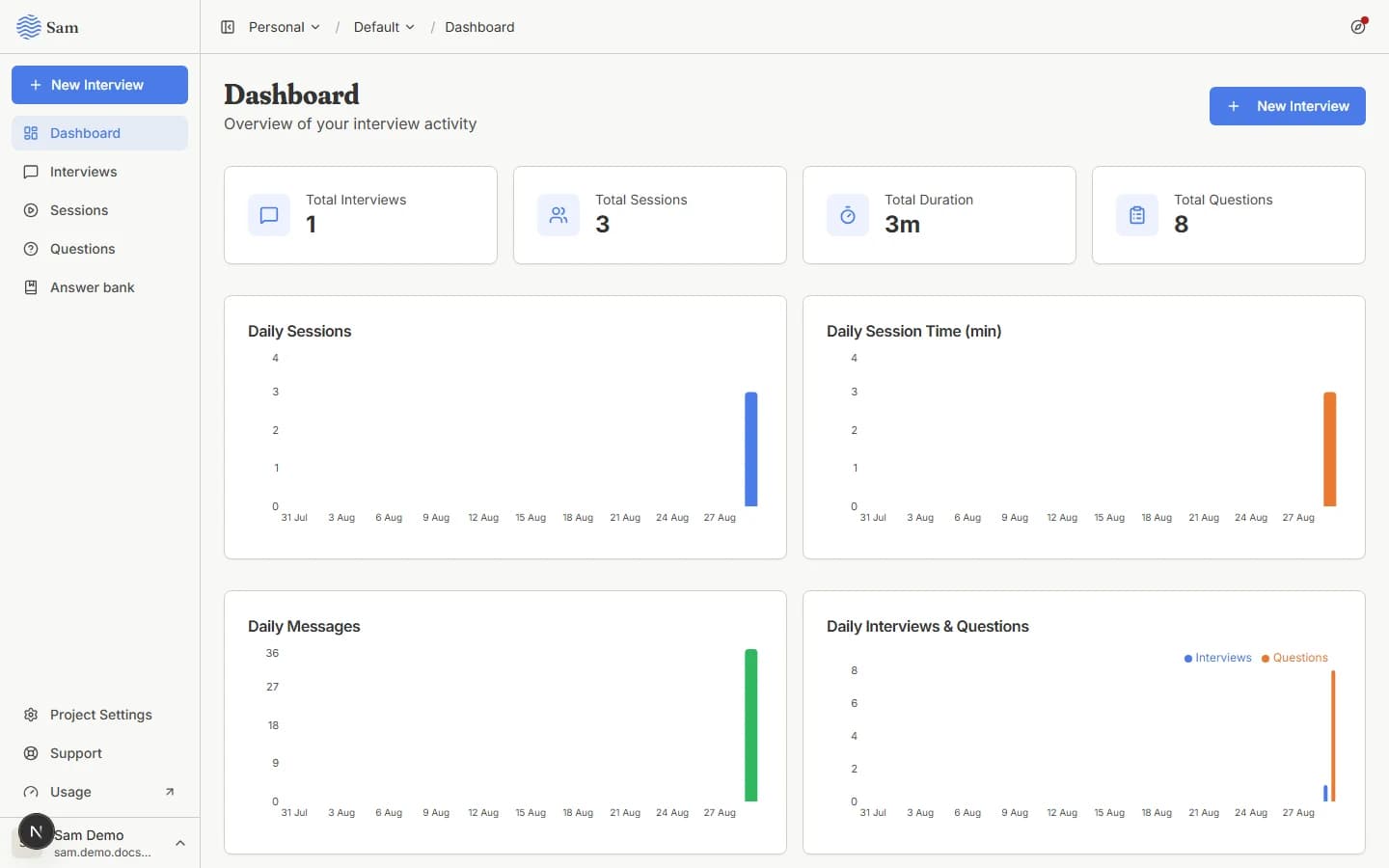
Sidebar Navigation
- Dashboard — Activity overview, recent sessions, and quick actions
- Interviews — Create and manage interview templates
- Sessions — View and track individual interview sessions
- Questions — Browse and reuse your question library
Organization Pages
Organization-level pages are accessible from the sidebar:
- Project Settings — Manage project defaults and workspace configuration
- Support — Find help resources and troubleshooting guidance
Switching Projects
Use the project selector at the top of the sidebar to switch between projects. Each project has its own interviews, sessions, and settings.